your navbar matters
-
The navbar is the first thing users interact with.
-
🟢 Great navbar makes navigation easy and moves users toward action.
-
🔴 Bad navbar = confusion, high bounce rates, and lost conversions.
I wrote this article as a cheat sheet for myself when designing and auditing websites.
I’m sharing it with you so you can build better navbars, fast.
🟢 the perfect navbar formula (best practices)
I read everything I could on building navbars so you don’t have to.
These tips help me create the perfect navbar every time.
- Keep it simple – 3-6 essential links. No clutter. Use dropdown only if necessary (and make sure they open on hover).
- **Sticky navbars are better -Basic: keep it visible at all times. Advance: Hide on scroll down, show on scroll up for a cleaner experience.
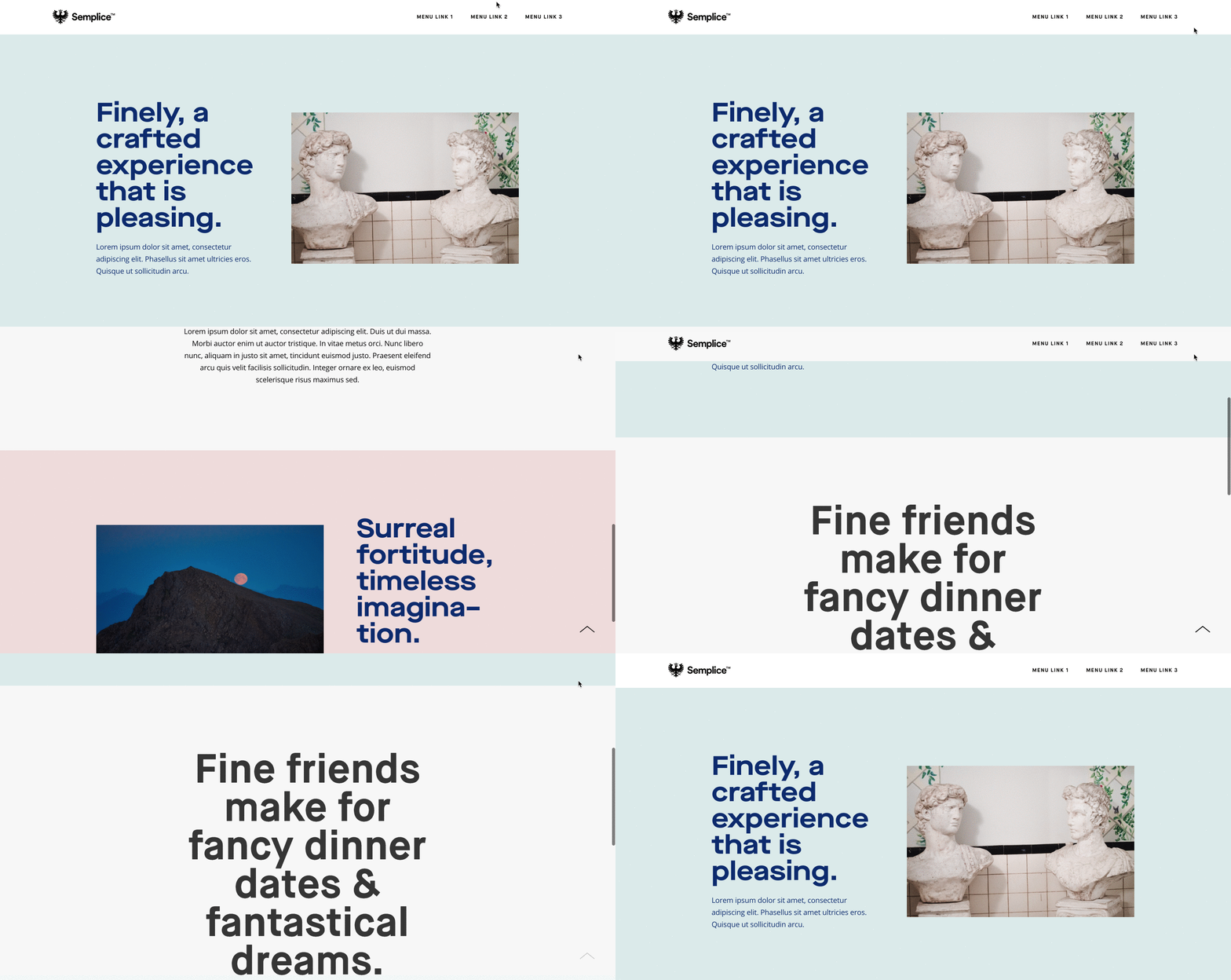
- CTA that stands out – One clear action. Highlighted and visible. Text moving users to action (“Start now FREE”).
- Optimize for mobile.
- Clear language - avoid generic labels like “Solutions”. Make it specific.
- Logical order – Most important links go first (left to right, top to bottom).
🔴 common navbar mistakes (what not to do)
- Avoid the extra click! Many websites require you to click to see the navbar. It’s bad UX and not needed on desktop.
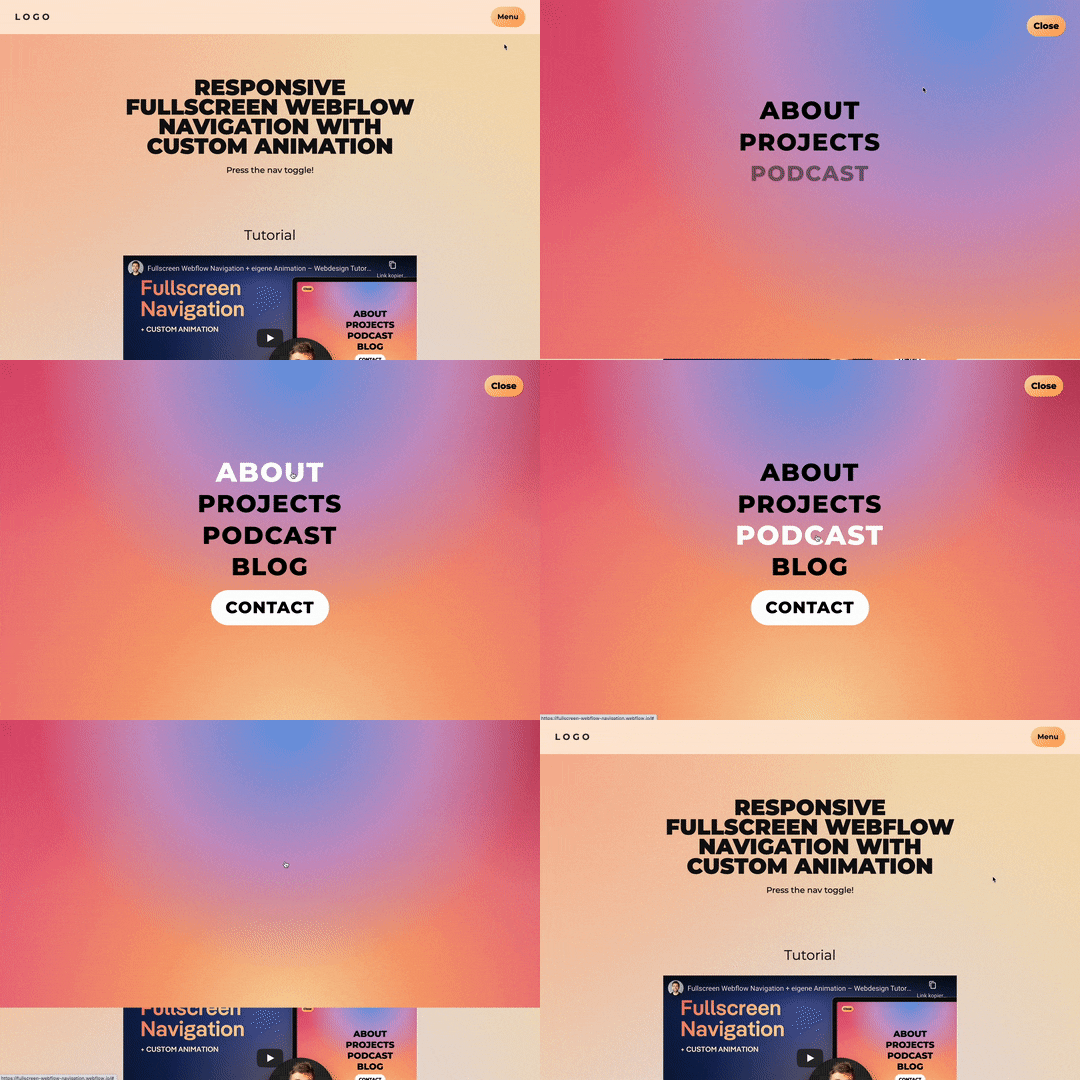
- Don’t cover the screen - look at the gif above. Why do we need to hide everything to show the menu?
- Don’t get fancy - keep things familiar. Use a hamburger icon. Don’t reinvent navigation just to be “unique.
- Don’t use social icons - your navbar should guide users deeper into your site, not send them away. Social links belong in the footer.
audit your navbar right now! 🔍
Use this checklist and improve your navbar now.
- Remove one unnecessary link
- Clarify one link
- Make the navbar sticky
- Test it on mobile Fix these, and your navbar will guide users instead of confusing them.
**Want me to review your navbar?**Reply and send your site! 💻